
The "dead internet zone" at home: what causes a poor connection and how to solve it
More and more people work, study and entertain themselves at home, so a stable and fast wireless internet connection (Wi-Fi) has become a necessity. Yet in many homes the so-called "dead zone" problems still exist — these are places where the internet does not work or works very poorly. Although it might seem that you need to hire specialists or buy expensive equipment, the solution is often much simpler.
According to the latest data from the State Data Agency, in recent years about 88% of Lithuanian households had internet access at home. In urban areas this indicator reached 90%, and in rural areas — about 82%. Internet providers constantly expand and speed up their networks, but users often do not make full use of all the internet's capabilities because of obstacles that arise in the home.
As Etanetas CEO Artur Stefanovič says, the so-called "dead internet zone" is a space in the home where the Wi-Fi signal is so weak that a phone or computer cannot connect to the internet. Such places are most often hidden in rooms with thick walls, in basements, behind furniture or on higher floors.
"There really can be many reasons. The signal can be blocked by thick walls or even massive furniture, and the signal can also be weakened by other electronic devices, for example microwave ovens, televisions, refrigerators. You should also pay attention to the internet router being used; if your router is more than 5 years old, it may no longer keep up with the needs of modern devices," says company CEO A. Stefanovič.
He also notes that internet disruptions can be caused by the internet used by neighbours. Operating on the same frequency, internet networks tend to cause a kind of "congestion" and thus weaken the signal. Using different channels would help solve this problem. Free apps, for example "Wi-Fi Analyzer", would help choose which channel to use to have fewer disruptions.
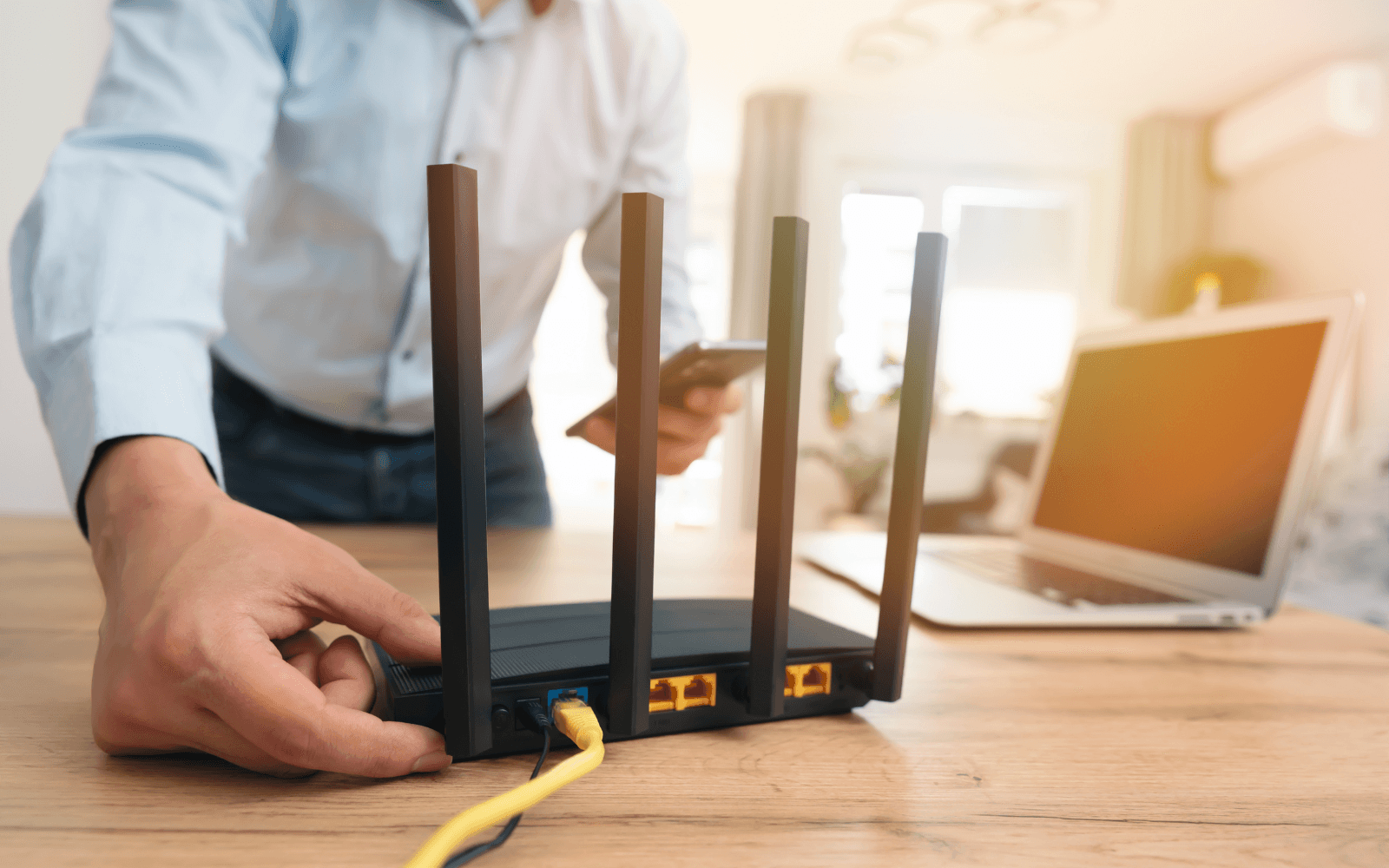
It is very important to pay attention to where in the premises the router is placed. A common user hides the device, not wanting it to affect the overall look of the room. But aesthetic appearance often affects internet quality, since the router ends up hidden somewhere in a corner of the room and even imprisoned in a cabinet or behind the television.
A. Stefanovič says that the most ideal place for a router is the middle of the room or the home. In that case the internet signal can spread evenly throughout the whole home. According to the expert, even a small shift of the router to one place or another in the room can give a noticeable benefit.
Of course, it is important to make sure that the router is able to meet current needs. It is no secret that as technologies and online services advance, the latter have become more demanding of internet speed and quality, so it is important to make sure whether the current router meets, for example, the Wi-Fi 6 standard, which ensures greater speed, better coverage and a more stable connection.
"With routers it is the same as with other mobile devices — over time, their performance can weaken. Therefore, just as it becomes customary to upgrade your mobile phone, it should also be customary to upgrade your router. Although in recent years routers with the Wi-Fi 6 standard arguably best meet users' needs, the Wi-Fi 7 standard, which will feature even greater speed, should soon join the technology world," advises the Etanetas CEO.
If after moving the router to the middle of the home the internet connection does not improve, and the device itself is fairly new, the expert advises installing a connection analysis app. After turning it on, you should walk around the home and observe where the signal is weakest. This method will help decide where to move devices or supplement the network.
Another solution is a wireless internet signal booster. Such devices are simple to use; you just need to plug them into an electrical outlet. The booster, having received the Wi-Fi signal, sends it further, thus ensuring greater signal distribution. For large homes, a Mesh system would also be a suitable solution, ensuring that several devices work as a single system, so that a strong signal reaches every corner.
There is also a physical solution for improving wireless internet connection quality. So-called powerline adapters help "transfer" the internet connection through the electrical grid. This solution can be useful for users whose homes have exceptionally thick walls that not only attenuate but almost entirely block the internet connection. With this solution, one adapter is connected to the router, and the other — to an electrical outlet in the room that lacks a signal.
The Etanetas CEO says that sometimes wireless internet connection problems are much deeper, so if you fail to improve the connection with the mentioned measures, it is worth consulting specialists. They will perform a network analysis and help create a solution that meets the user's individual needs. Perhaps additional access points or Ethernet cable solutions will help.